
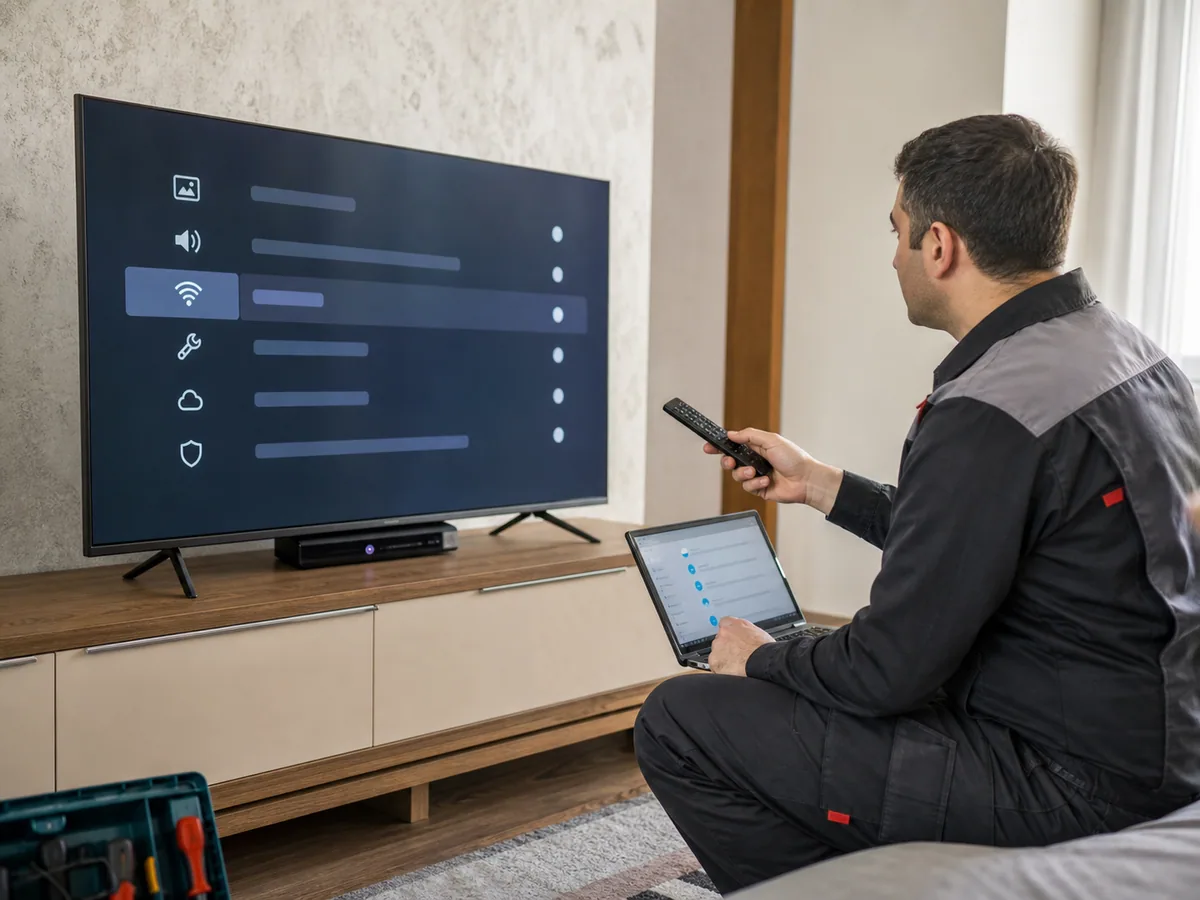
First confirm the same Wi-Fi works on a phone. Power-cycling the router and TV for a few minutes may clear a temporary network error.
Incorrect date and time can block secure connections. Forgetting the network, re-entering the password, checking 2.4/5 GHz support and returning DNS to automatic are useful steps.
If no networks appear, the Wi-Fi module or mainboard needs testing. Never install firmware intended for another model.